To add new customer, go to customers module from left side panel.
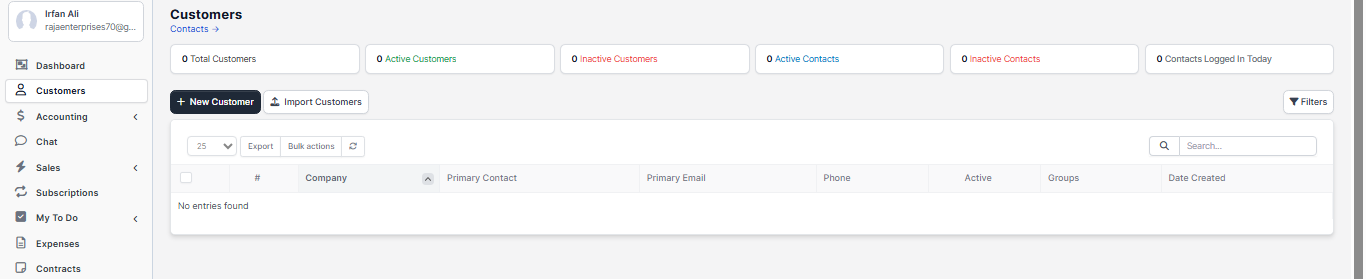
Click on new customer, and fill out all the details about customer.
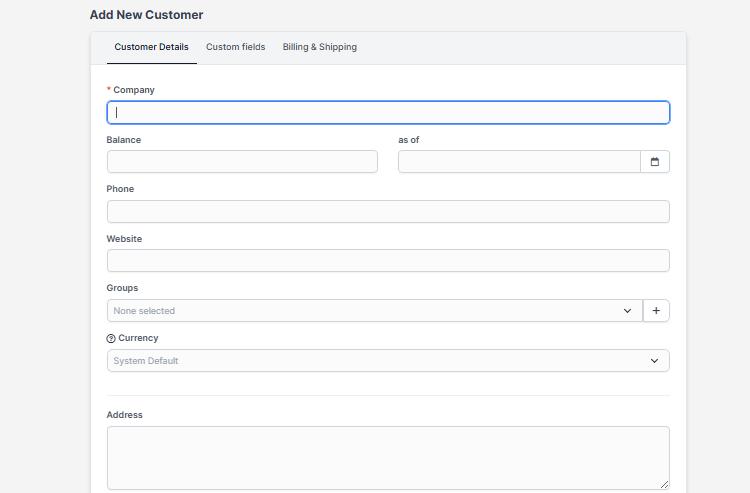
1.whenever lead confirms the order you can add them as your customer,
2. you can add those who previously purchased from you in customers list ,
3..After adding the customer, you can view the customer and add the necessary things as contact of customers, invoices , projects, tasks etc .
4.whenever you want to create invoice, you must save them in your customer's list, then you are able to send invoice.