1. Warehouse
- Go to inventory --> Warehouse
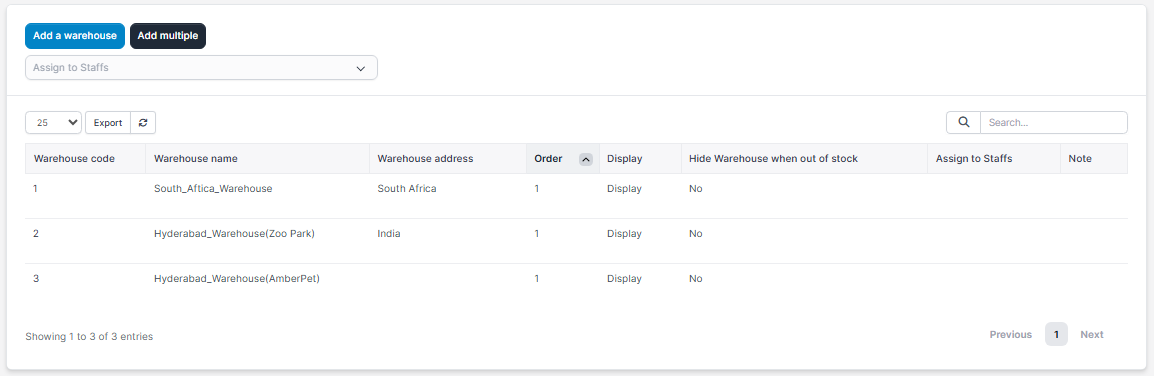
2.Click on Add a Warehouse. Fill all the details
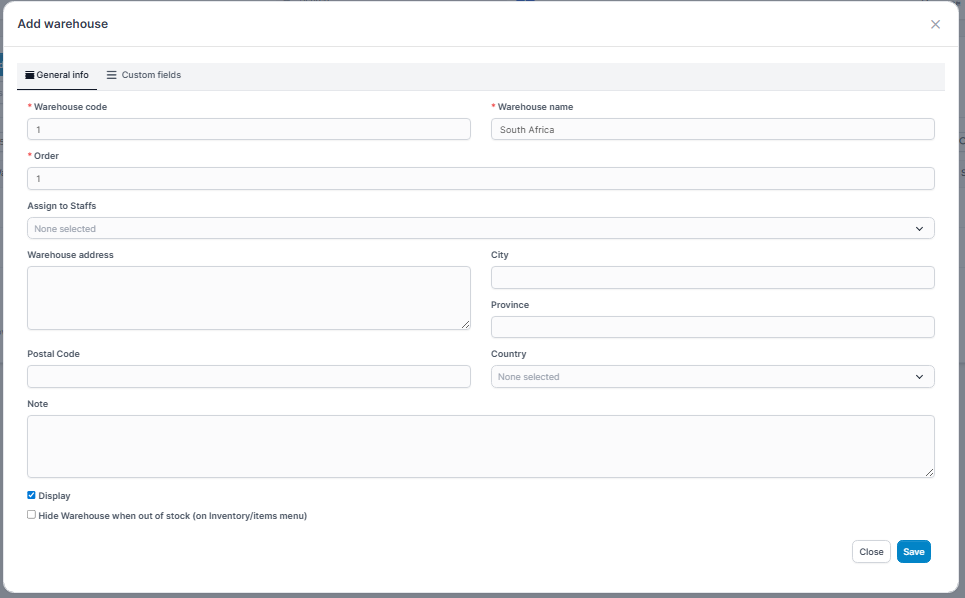
Click on save
2. Commodity Group
Go to inventory settings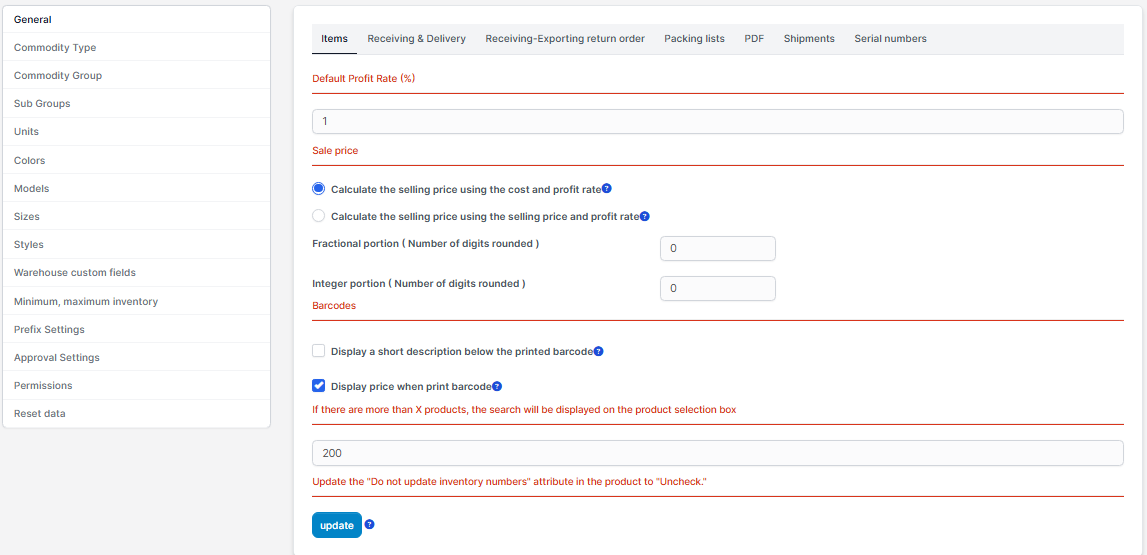
Click on Commodity Group , then click on add commodity group.
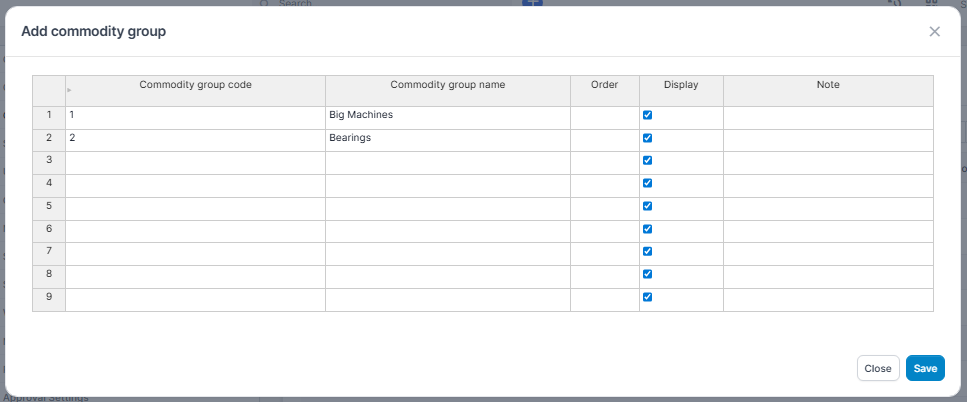
Click on save
3. Commodity Type
Go to inventory settings- Go to Commodity type , click on add commodity types.
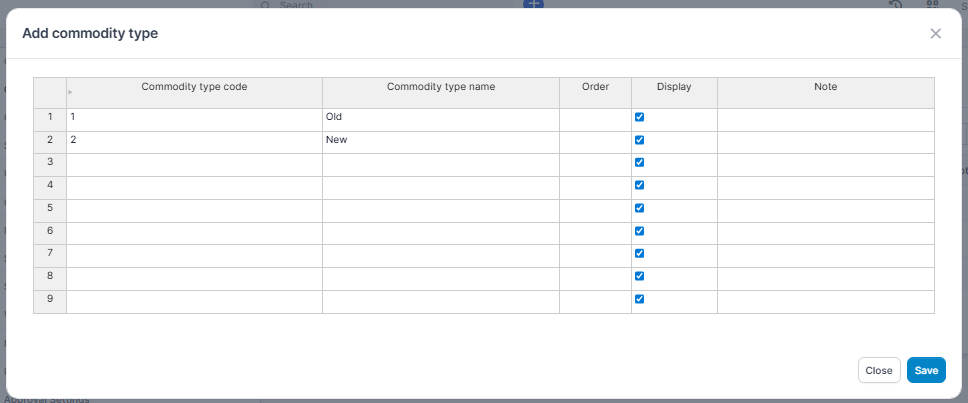
Click on save
4. Subgroup
Go to inventory settings-Go to Subgroup , click on add subgroup name & add name of that subgroup, then select group name & add select the main group from drop down menu by typing main group name. ( sub group is for parts undergo in main group category)

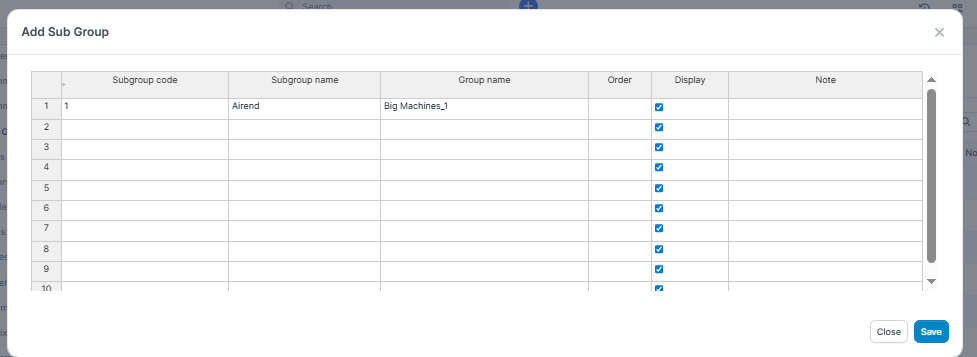
Click on save
5. Units
Go to inventory settings - Go to Units, click on add unit.
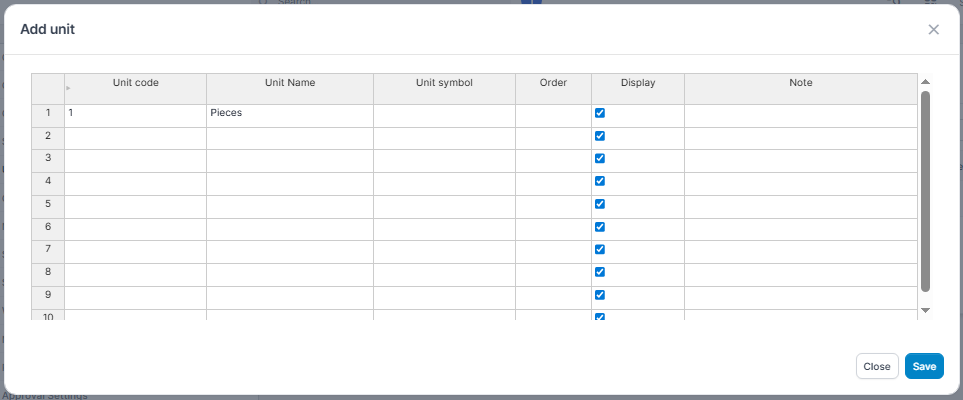
Click on save